Download
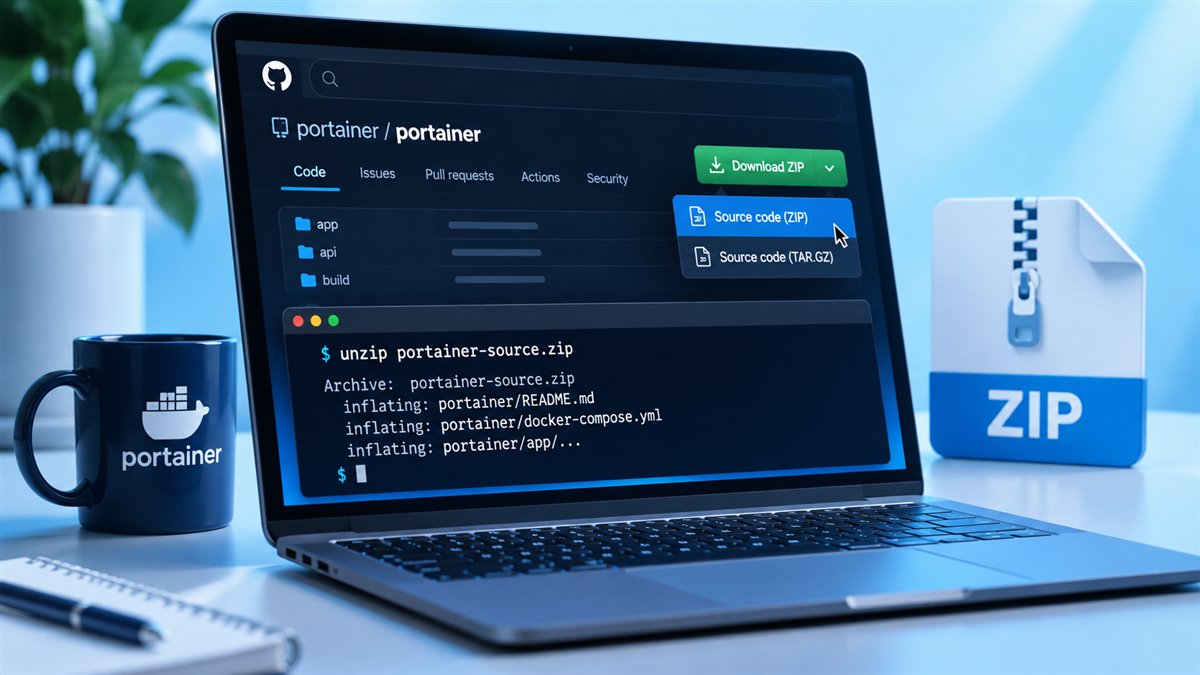
How to Download Portainer CE Safely
Learn how to download Portainer CE from trusted sources, pull the Docker image, check the GitHub repository and avoid unsafe copies.
Read guideStep-by-step Portainer guides covering downloads, Docker and Compose installs, editions, features, branding and troubleshooting.
Learn how to download Portainer CE from trusted sources, pull the Docker image, check the GitHub repository and avoid unsafe copies.
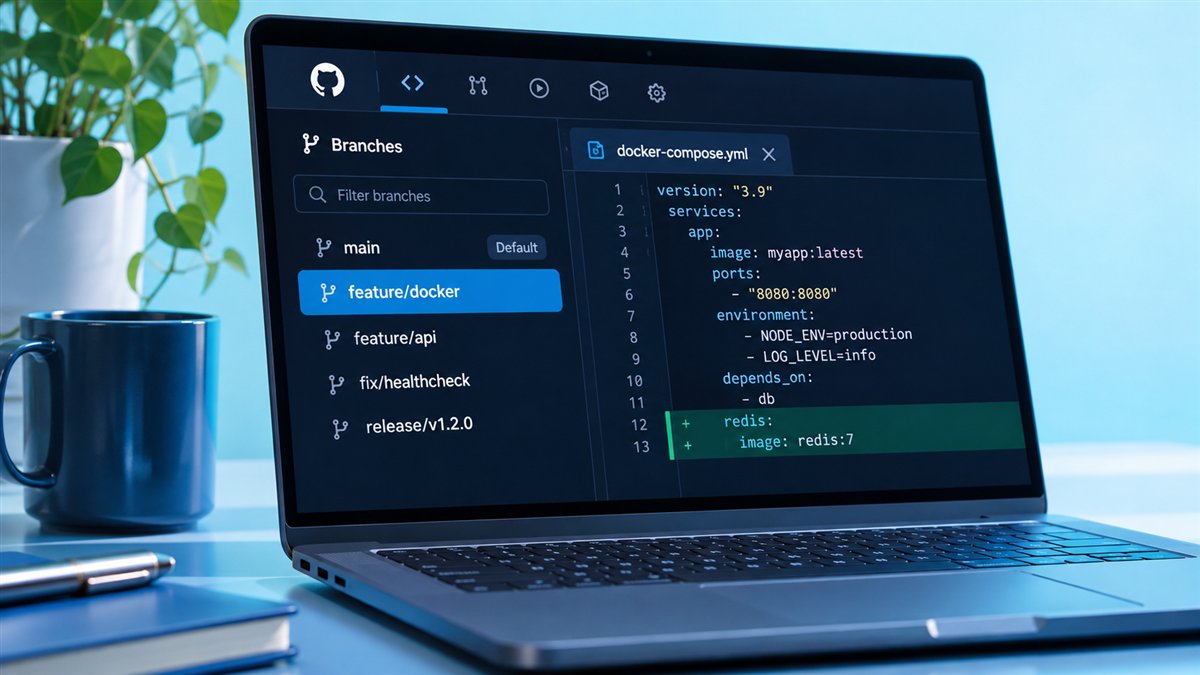
Read guideA clear tour of the Portainer GitHub repository: what it contains, how releases and issues work, the open-source licence and how to clone it.
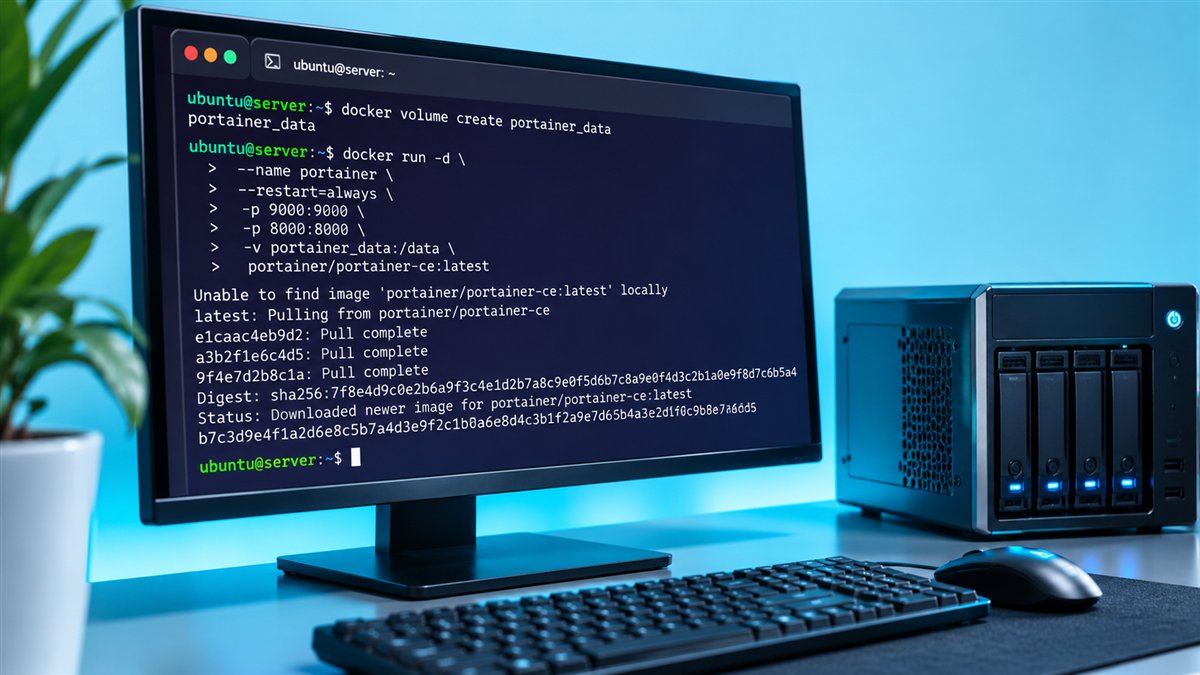
Read guideInstall Portainer CE with Docker on Linux: create the data volume, run the container, open port 9443, create the admin user and update safely.
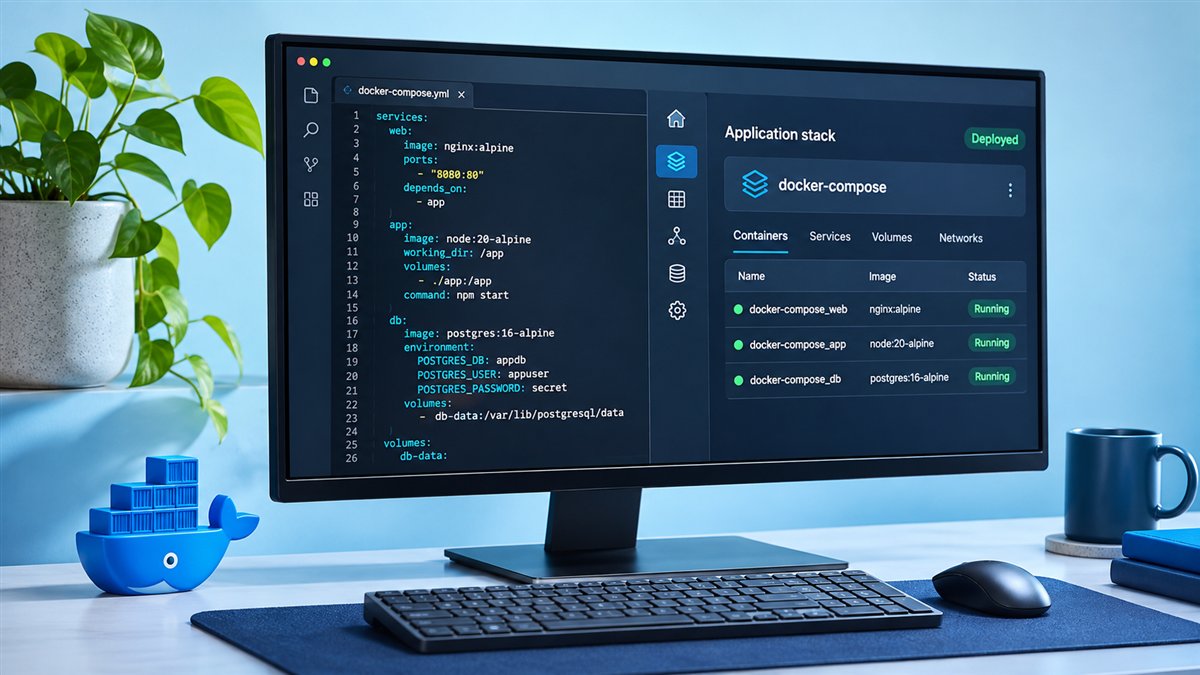
Read guideRun Portainer with Docker Compose and deploy Compose stacks from the web editor, file upload or Git. Includes a ready-to-use compose file.
Read guideCompare Portainer CE and Business Edition: licensing, access control, support and when each edition is the right choice for your team.
Read guideFind out whether Portainer is free, what the open-source Community Edition includes, where Business Edition costs start and what limits to expect.
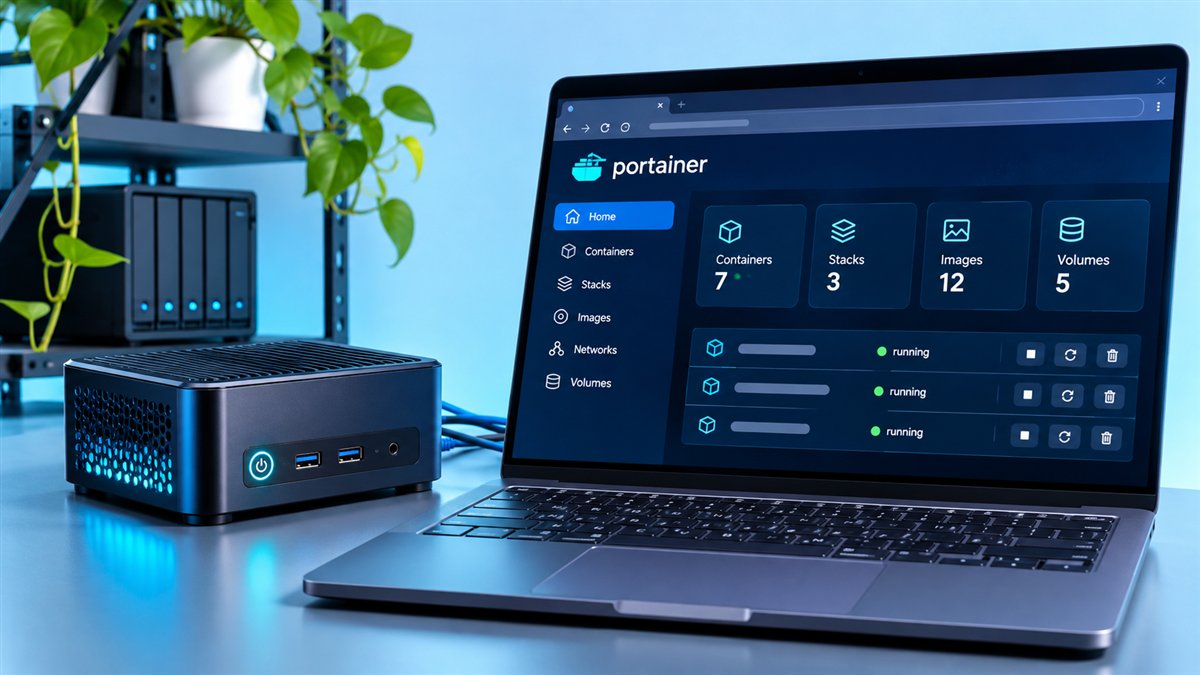
Read guideExplore the main Portainer Community Edition features: container and image management, stacks, templates, logs, console, Kubernetes support and access control.
Read guideUnderstand the Portainer logo: the crane, containers and cloud symbolism, where to find official brand assets and how to use the logo respectfully.
Read guideFix common Portainer problems: setup timeouts, port 9443 not loading, certificate warnings, socket permission errors, lost admin passwords and update issues.
Read guide