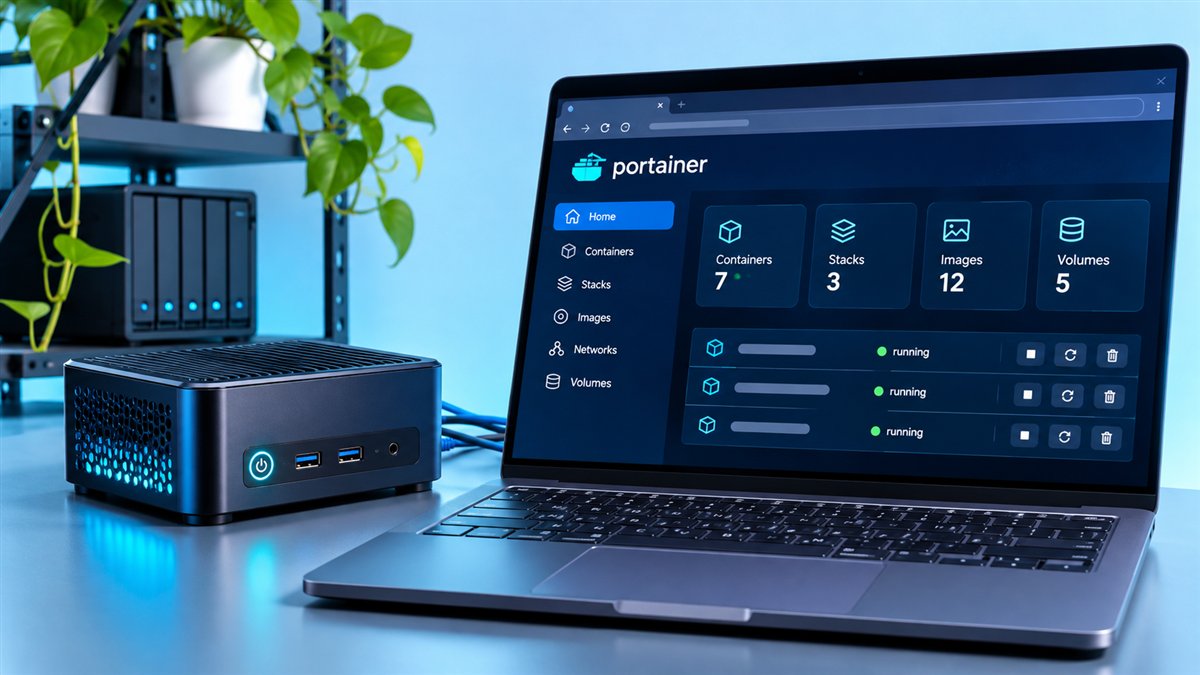
Portainer CE, the Community Edition, is the free and open-source version that most people start with. Business Edition (BE) builds on the same core and adds features aimed at organisations: stronger access control, more operational tooling and commercial support. Choosing between them depends far more on how your team works than on how many containers you run.
This comparison explains what both editions share, where they differ and how to decide.
What Both Editions Share
Both editions provide the same familiar web interface for managing containers, images, networks, volumes and stacks. Both can connect to Docker standalone hosts, Docker Swarm clusters and Kubernetes clusters, and both run as a container on your own infrastructure.
- Visual management of containers, images, volumes and networks.
- Stack deployment from compose files and Git repositories.
- Application templates for quick deployments.
- Logs, console access and basic container statistics.
Key Differences at a Glance
The table below summarises the general direction of each edition. Exact feature lists change between releases, so confirm details in the official documentation before making a purchasing decision.
| Area | Portainer CE | Business Edition |
|---|---|---|
| Licence | Open source (zlib) | Commercial licence |
| Cost | Free | Paid plans, with offers that vary over time |
| Access control | Users, teams and basic access control | Advanced role-based access control |
| Authentication | Internal and common external options | Broader enterprise identity integrations |
| Support | Community resources | Commercial support from the publisher |
| Docker image | portainer/portainer-ce | portainer/portainer-ee |
When Portainer CE Is Enough
CE is an excellent fit for home labs, personal servers, learning environments, small teams and many production setups where a handful of trusted administrators manage everything. If you mainly need a clean UI over Docker or Kubernetes, CE covers the daily work well.
Typical CE Users
- Developers running local or staging environments.
- Self-hosters managing services on a home server.
- Educators teaching containers in a lab.
- Small teams where everyone shares similar permissions.
When Business Edition Makes Sense
BE becomes attractive when access needs to be split carefully between teams, when auditors ask who changed what, or when downtime would be expensive enough that vendor support is worth paying for. Larger fleets of environments also benefit from BE's operational features.
Signals You May Need BE
- Different teams need different permissions on the same clusters.
- Your company requires single sign-on or detailed auditing.
- You manage many environments and want centralised policy.
- You need a support contract with response commitments.
Cost Considerations
CE costs nothing to license, but you still pay for the servers and the time to run it. BE adds licence costs that should be weighed against time saved on access management and the value of support. Portainer has offered free BE tiers for small node counts in the past; check current terms before planning around them.
Read more about what is free in our dedicated guide: Is Portainer free to use?
Switching Between Editions
Because both editions share the same data structure, moving from CE to BE does not mean starting over. You replace the CE image with the BE image, keep the data volume and enter a licence key. Always take a backup of portainer_data first.
Making the Decision
A practical approach is to start with CE, learn how your team uses it and note any limits you run into. If those limits involve access control, auditing or support, BE is worth evaluating. If they do not, CE may serve you well for a long time.
Access Control in Practice
Access control is the area where the editions feel most different day to day. In CE, administrators can create users and teams and restrict ownership of resources, which works well when a few trusted people share responsibility for everything.
Business Edition introduces predefined roles with finer permissions, so a developer can deploy to a staging namespace without being able to change production settings. For organisations with many teams, that separation can remove a lot of manual policing and risk.
- CE: users, teams and resource ownership.
- BE: role-based permissions per environment and namespace.
- BE: options designed for auditing who did what.
Support and Responsibility
With CE, help comes from documentation, community forums and GitHub issues. That support is often excellent, but nobody is obliged to answer on a deadline, so your own team carries the responsibility for fixing problems.
Business Edition includes commercial support, which matters when downtime affects customers or revenue. Being able to open a ticket with the people who build the product can shorten serious incidents considerably.
A Quick Decision Checklist
| If this is true for you | Lean towards |
|---|---|
| Small team, shared admin access | Community Edition |
| Learning, labs or personal servers | Community Edition |
| Many teams needing separate permissions | Business Edition |
| Compliance or audit requirements | Business Edition |
| Need guaranteed vendor support | Business Edition |
Trying Business Edition Before Buying
The safest way to evaluate Business Edition is to test it beside your current setup. Run a separate instance with the BE image on a spare host, connect a test environment and check whether its access control and operational features actually solve the limits you hit in CE.
Keep notes on what changed for your team. If the trial mostly confirms that CE already meets your needs, you have saved money; if it removes real friction, you have a clear case for the upgrade.
Frequently Asked Questions
Yes. Portainer documents an upgrade path from CE to BE that reuses your existing data. Back up the data volume before switching.
No. Business Edition is a commercial product. The Community Edition source code is the open-source part of Portainer.
Yes. Portainer CE can manage Docker standalone, Docker Swarm and Kubernetes environments, with BE adding more advanced controls.
Pricing and any free tiers change over time, so check Portainer's own pricing page for the latest terms.
Conclusion
Portainer CE gives you a capable, free container management interface for Docker, Swarm and Kubernetes. Business Edition adds governance, deeper access control and professional support for organisations that need them.
Start with the Community Edition features overview or jump to the download section to try CE today.