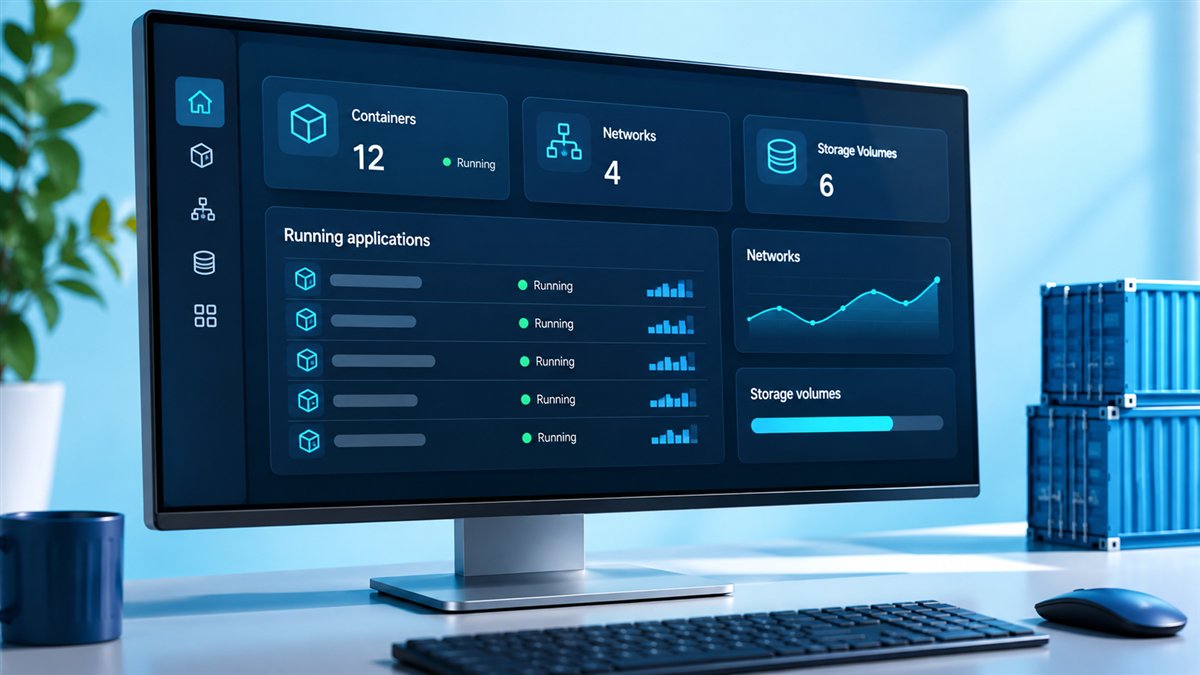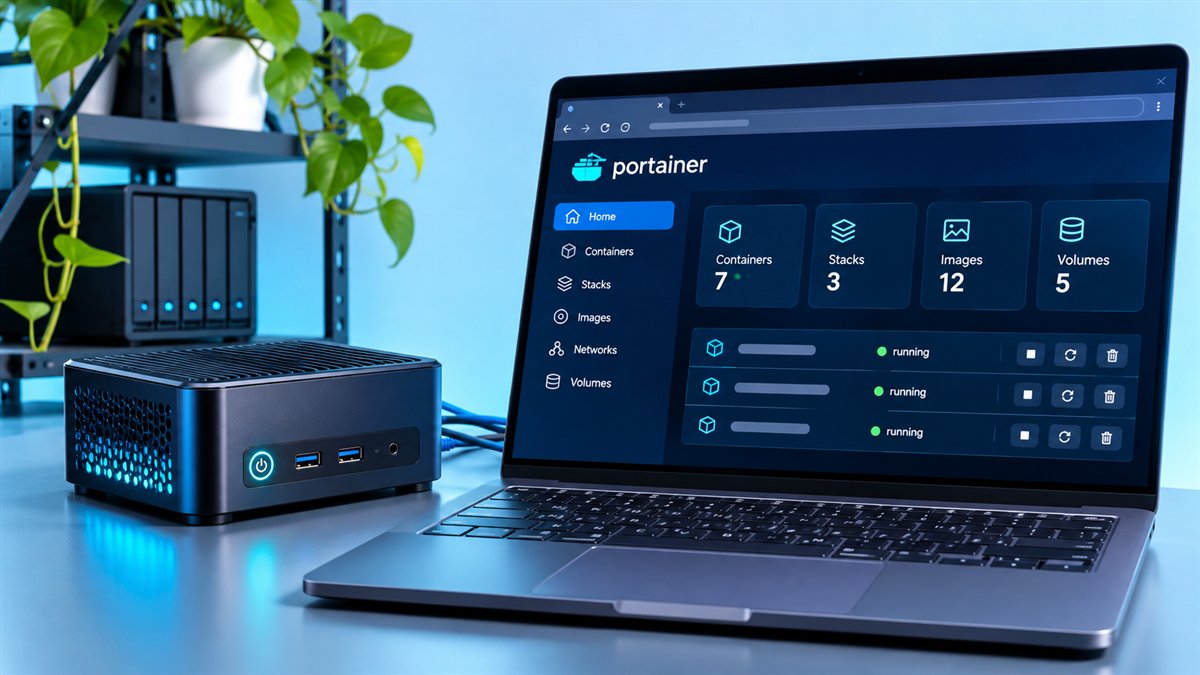
Portainer free usage is one of the most searched questions about the project, and the short answer is yes: Portainer Community Edition (CE) is free and open source. You can download it, run it on your own servers and use it for personal or business work without paying a licence fee. The longer answer involves understanding where Business Edition fits in.
This guide explains what "free" covers, what you still pay for indirectly and when a paid edition might be worth it.
Portainer CE Is Open Source
The Community Edition source code is published on GitHub under the zlib licence. That permissive licence allows use, modification and redistribution, subject to a few simple conditions such as keeping the licence notice in source distributions.
In practical terms, nothing in CE asks you for a payment, subscription or activation key. You pull portainer/portainer-ce, start the container and begin managing your environments.
What You Get at No Cost
- A web interface for Docker, Docker Swarm and Kubernetes.
- Management of containers, images, volumes and networks.
- Stacks from compose files, uploads and Git repositories.
- App templates, logs, console access and container stats.
- Users, teams and basic access control.
Where Paid Plans Come In
Portainer Business Edition (BE) is the commercial product. It adds features that matter mostly to organisations, such as advanced role-based access control, broader identity integrations, auditing and commercial support.
The publisher has offered free BE options for small numbers of nodes at various times. Because those offers change, always check the current pricing page rather than relying on older blog posts.
| Question | Community Edition | Business Edition |
|---|---|---|
| Licence fee | None | Paid plans; free tiers vary |
| Source code | Open source | Commercial |
| Commercial use | Allowed under the licence | Covered by commercial terms |
| Vendor support | Community only | Included with plans |
Hidden Costs to Keep in Mind
Free software is not free to operate. Portainer itself is lightweight, but you still need a server or cluster to run it, storage for backups and time to maintain it.
- Hosting costs for the machines that run Docker or Kubernetes.
- Time spent on upgrades, backups and monitoring.
- Certificates or reverse proxies if you expose the interface.
- Learning time for your team, which tends to be short.
Is Free Portainer Good Enough for Production?
Many teams run CE in production successfully. The interface is the same one Business Edition users see for everyday tasks, and the core management features are shared.
The deciding factors are usually governance and support. If several teams need tightly separated permissions, or if your organisation requires a support contract, BE may be the better fit. Our CE vs Business Edition comparison goes deeper into that decision.
A Simple Rule of Thumb
If a small group of trusted admins manages your environments and you are comfortable with community help, CE is likely enough. If you need fine-grained access, audits or guaranteed response times, evaluate BE.
Avoiding "Free Premium" Downloads
Because the real CE is free, there is no reason to download repackaged or "unlocked" versions from unknown sites. Those files can contain malware and offer nothing the genuine image does not.
- Pull images only from the
portainer/namespace. - Check releases on the Portainer GitHub repository.
- Never paste licence keys from untrusted sources.
Getting Started for Free
Getting CE running takes only a couple of commands on any machine with Docker. Create a volume, run the container and open port 9443 in your browser.
docker volume create portainer_data

docker run -d -p 8000:8000 -p 9443:9443 --name portainer \
  --restart=always \
  -v /var/run/docker.sock:/var/run/docker.sock \
  -v portainer_data:/data \
  portainer/portainer-ce:lts
Full details, including security tips and updates, are in the installation walkthrough.
Can Businesses Use the Free Edition?
Yes. The zlib licence that covers the Community Edition does not limit use to personal or non-commercial projects. Companies can run CE internally to manage their own containers, as long as they respect the licence conditions when redistributing source code.
What changes in a business setting is usually the expectation around support and governance, not the right to use the software. Many companies start with CE, prove its value and only then consider whether Business Edition features are worth paying for.
Free Portainer vs Plain Docker CLI
The Docker CLI is free too, so it is fair to ask what Portainer adds. The answer is visibility and speed for everyday tasks: seeing every container's status at once, reading logs in a browser, deploying stacks from Git and giving teammates access without handing out shell accounts.
| Task | Docker CLI | Portainer CE |
|---|---|---|
| Check container status | Run commands per host | Dashboard across environments |
| Read logs | docker logs in a terminal | Searchable logs in the browser |
| Deploy a Compose app | Copy files and run commands | Paste, upload or link from Git |
| Share access | Shell accounts on each host | Users and teams in one interface |
Free Learning Resources
Getting good at Portainer does not require paid courses. The official documentation covers installation, environments and features in detail, and the community regularly publishes tutorials and videos on running CE in home labs and production.
- Start with the installation and first-run sections of the documentation.
- Read release notes to learn what each version adds.
- Try app templates on a test host to learn safely.
- Browse GitHub issues to see real-world problems and fixes.
What Happens if Your Needs Grow
Starting free does not lock you in. Because Community Edition and Business Edition share the same data structure, an organisation that outgrows CE can switch images, keep its existing environments and add a licence key, rather than rebuilding everything from scratch.
That flexibility makes CE a low-risk way to evaluate Portainer. You can learn the interface, connect your environments and build team habits first, then decide later whether advanced access control or commercial support is worth the extra cost.
- Back up
portainer_databefore switching editions. - Test the move on a non-critical instance first.
- Review current pricing and free tiers on the publisher's site.
Conclusion
Portainer free usage is real and generous: the open-source Community Edition gives you a complete container management interface for Docker, Swarm and Kubernetes without licence fees. Business Edition is there when your organisation needs advanced access control and commercial support.
Ready to try it? Head to the download section and have CE running in minutes.